How to Connect ChatGPT with Your Apps Using Composio
· based on the channel DataEdu
What is Composio and How Does It Connect ChatGPT with Your Apps
Composio is a platform designed to link artificial intelligence assistants such as ChatGPT, Claude, and others with applications you already use. It offers two types of connectors: native connectors, which are built-in integrations, and external connectors that allow broader compatibility. By using Composio, you can authorize AI assistants to access your apps securely and perform actions automatically, improving productivity and streamlining workflows.
Setting Up Composio with Google Drive
One practical example of Composio's capabilities is connecting ChatGPT or Claude with Google Drive. To do this, you first authorize your Google account within Composio, granting the necessary permissions for the AI to read, write, or manage files depending on your needs. After authorization, Composio provides a list of possible actions such as uploading documents, searching files, or organizing folders. This connection illustrates how AI assistants can interact directly with cloud storage to automate file management tasks.
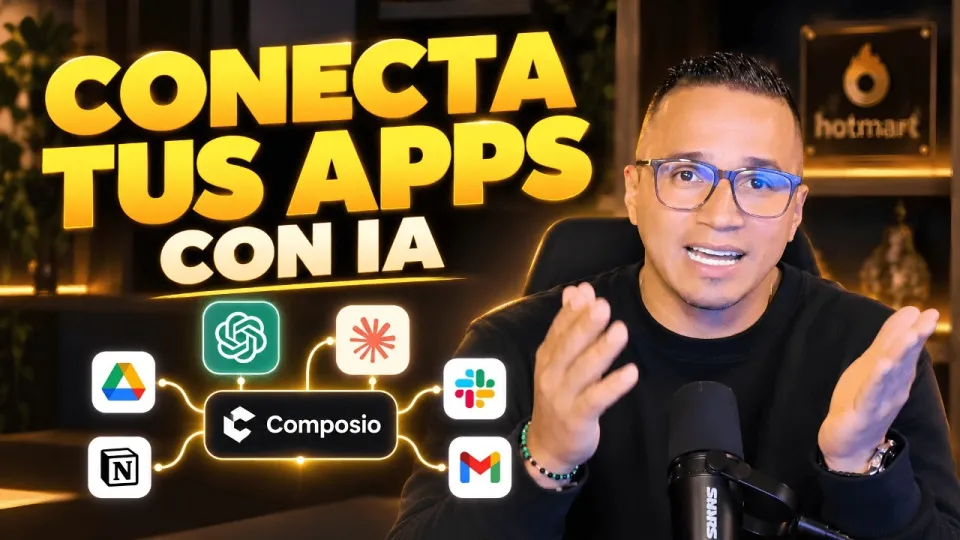
Video: Conecta ChatGPT, Claude y tus apps: así haces más con Composio
Using Native and External Connectors
Native connectors are pre-built integrations optimized for specific applications, ensuring a smoother and more secure connection. External connectors, on the other hand, extend Composio's reach by allowing integration with apps that might not have official support but offer APIs or other access methods. This flexibility means you can connect ChatGPT or Claude not only with popular services like Google Drive but also with various specialized or custom applications.
Integrating Claude, Manus, and Other AI Tools
Beyond ChatGPT, Composio supports other AI assistants like Claude and Manus IA, depending on their available integrations. Each AI tool can be connected to compatible apps to leverage their unique capabilities. For instance, Claude might offer different natural language processing features or response styles, while Manus IA could specialize in document analysis or data extraction. Composio acts as a bridge, allowing you to choose the AI that best fits your workflow and connect it to the applications you rely on.
Security and Permissions Considerations
When connecting AI assistants to applications containing sensitive data, such as Power BI semantic models or Google Drive files, it's essential to understand the permissions granted. Composio requires explicit authorization for each app, and users should review the scope of access to ensure data privacy. While automation offers convenience, maintaining security by limiting permissions to only what's necessary reduces risks associated with sensitive information exposure.
Practical Benefits of Using Composio for AI Integration
Using Composio to connect ChatGPT and other AI assistants with your apps enables automation of repetitive tasks, faster data retrieval, and enhanced productivity. For example, you can automate report generation by linking ChatGPT with your data sources or streamline document management with Claude connected to cloud storage. This approach reduces manual effort, allowing you to focus on higher-value activities while AI handles routine operations.
Useful Links
- Storytelling Book for Transforming Dashboards into Clear Stories
- Excel DataEdu for Automating Data Analysis
- Advanced Data Analysis with DAX
- DataEdu Instagram
- DataEdu LinkedIn
Conclusion
Composio offers a powerful way to connect AI assistants like ChatGPT, Claude, and Manus IA with the applications you use daily, such as Google Drive. By leveraging native and external connectors, you can authorize secure access, automate workflows, and enhance your productivity. Understanding permissions and security is crucial when working with sensitive data, but the benefits of AI-powered automation are significant. For more practical guidance and resources, visit DataEdu’s Storytelling Book and explore their tutorials on AI integration and data analysis.
Key takeaways
- Composio enables connecting AI assistants like ChatGPT and Claude to apps.
- Supports both native and external connectors for versatile integration.
- Google Drive connection demonstrates authorization, permissions, and available actions.
- Works with multiple AI tools including Manus and others with compatible integrations.
- Enhances productivity by automating workflows across applications.
Questions & answers
Is it safe to connect Composio to applications with sensitive data like Power BI semantic models?
Connecting Composio to applications containing sensitive data requires careful management of permissions. Users should only grant necessary access rights and review security settings to minimize risks. Composio relies on authorized access, but it's important to evaluate data sensitivity before integration.
What types of connectors does Composio support for integrating ChatGPT?
Composio supports both native connectors, which are built-in integrations optimized for specific apps, and external connectors that allow broader compatibility with applications offering APIs. This enables flexible connections with various software tools.
Can Composio connect AI assistants other than ChatGPT?
Yes, Composio can connect other AI tools such as Claude and Manus IA, provided they have available integrations. This allows users to choose the assistant that best fits their needs and connect it with compatible applications.
What are the typical actions ChatGPT can perform when connected to Google Drive via Composio?
When connected to Google Drive, ChatGPT can perform actions like uploading files, searching for documents, organizing folders, and managing content depending on the permissions granted during authorization.
Source: Conecta ChatGPT, Claude y tus apps: así haces más con Composio · Markdown version